
Create your account
Creating an account takes a minute: fill in the sign-up form, then click the activation link we email you. Because NevTan Mail is built for business use, every account is linked to a company domain.
Sign up
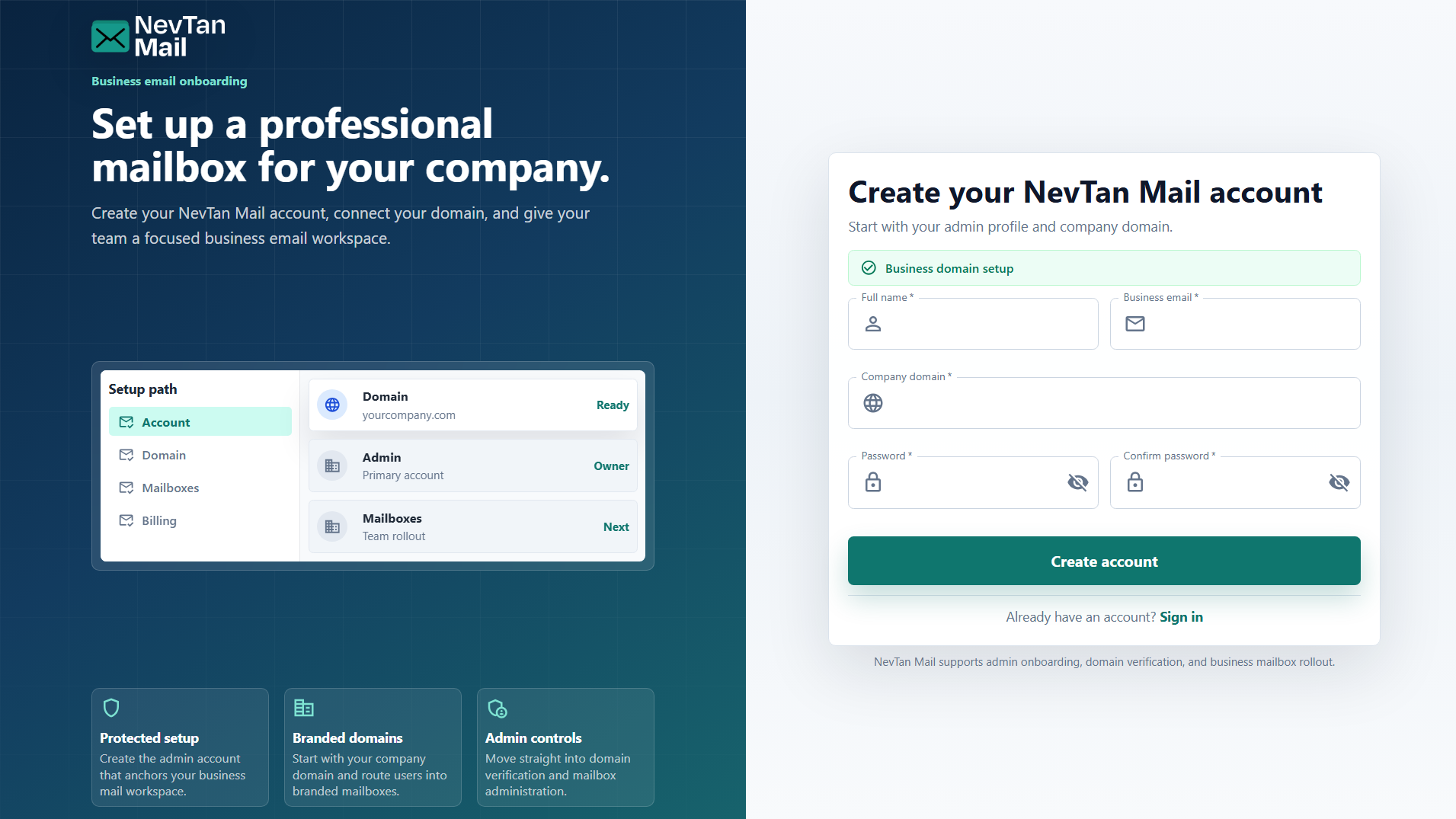
Go to the sign-up page and choose Get started (or Create your account). Fill in the form and submit it.
What you'll enter
- Full name — how you'll appear to the people you email.
- Business email — the address you'll use to sign in.
- Company domain — your organization's domain, for example
yourcompany.com. You'll finish setting this up after you verify. - Password — 8 to 64 characters, with an uppercase letter, a lowercase letter, a number, and a special character, and no spaces. Enter it a second time to confirm.
Why a company domain?
A domain lets your whole team send and receive from branded addresses like name@yourcompany.com instead of a generic provider. Admins verify the domain and create mailboxes on it — see Add & verify a domain.
Verify your email
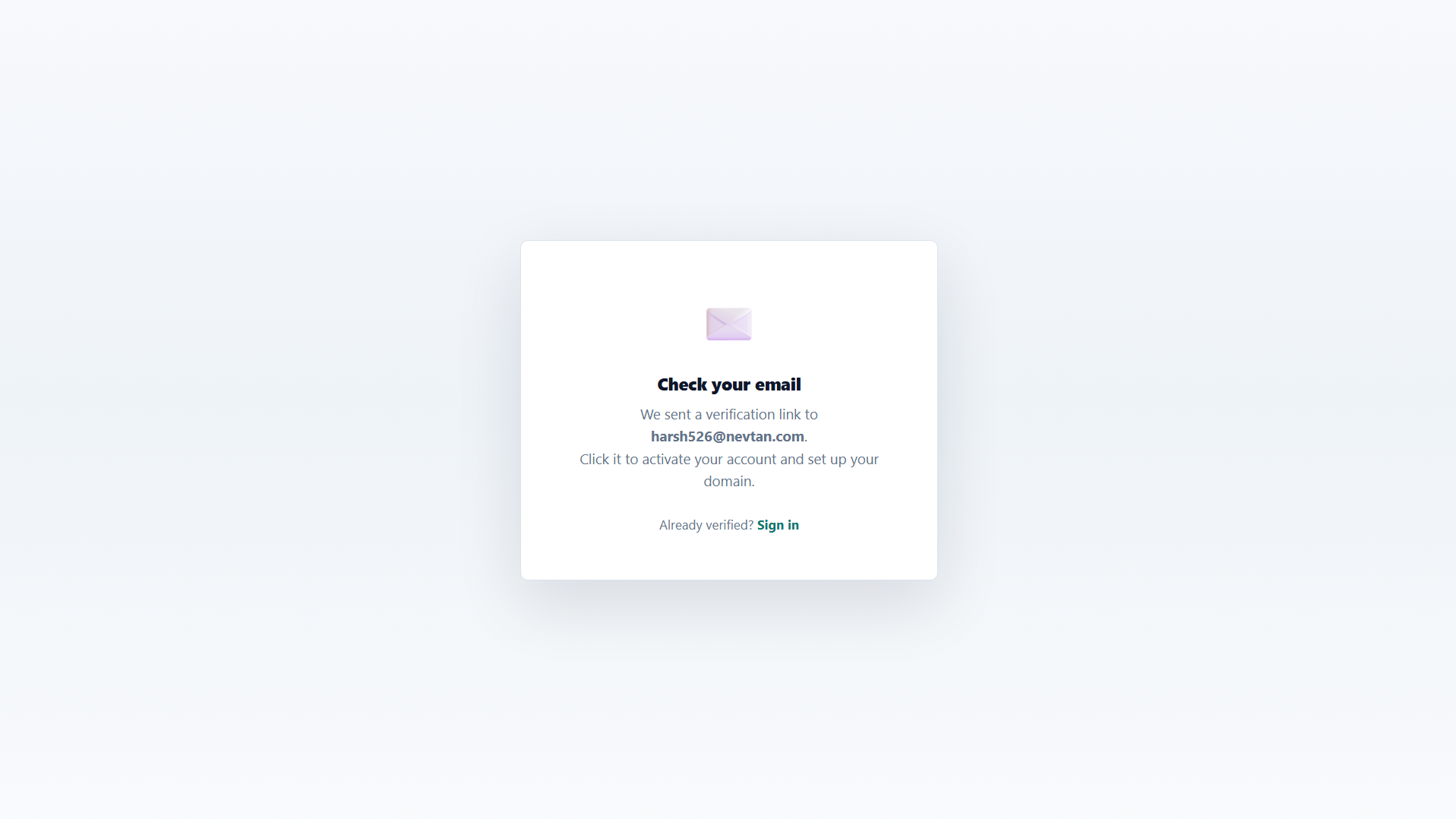
After you submit the form, we send a verification email to the address you entered. Open it and click the activation link to confirm your account. If it hasn't arrived within a few minutes, check your spam folder — you can also request a new verification email from the sign-in page.
After verifying
Once your email is verified, you can sign in. If you're the first person from your company, you'll be prompted to set up your domain so you can start creating mailboxes. Continue with the Set up your team quickstart.
Still need a hand?
Our support team usually replies within one business day.
Email us at support@nevtan.com