
NevTan Mail Help
Integrations
Integrations overview
Send feedbackIntegrations let another application work with your NevTan Mail account on your behalf — reading messages, sending them, and being told when something happens. Everything starts from a single screen in your mail settings, and from one credential you create there.
What you can build
- Connect a tool you already use — file customer replies into a CRM, raise a helpdesk ticket from an incoming message, or copy invoices into an accounting system.
- Send mail from your own software — order confirmations, alerts and reports, sent from your own domain rather than a generic address.
- React the moment mail arrives — have NevTan Mail call your application as messages come in, instead of polling for them.
- Automate mailbox admin — create mailboxes from your HR or onboarding system as people join.
The three pieces
They are designed to be used together, and in this order:
| Piece | What it does | Where you set it up |
|---|---|---|
| API key | Identifies your application to NevTan Mail, in place of an email address and password. | The Integrations screen. |
| Mail API | The requests your application makes — list, search, read, send, reply, and manage mailboxes. | Your own code, using the key. |
| Webhooks | The reverse direction: NevTan Mail calls a URL you own when mail arrives or is sent. | The Mail API, once you have a key. |
Where to find it
- Open your mailbox: Sign in to NevTan Mail as you normally would.
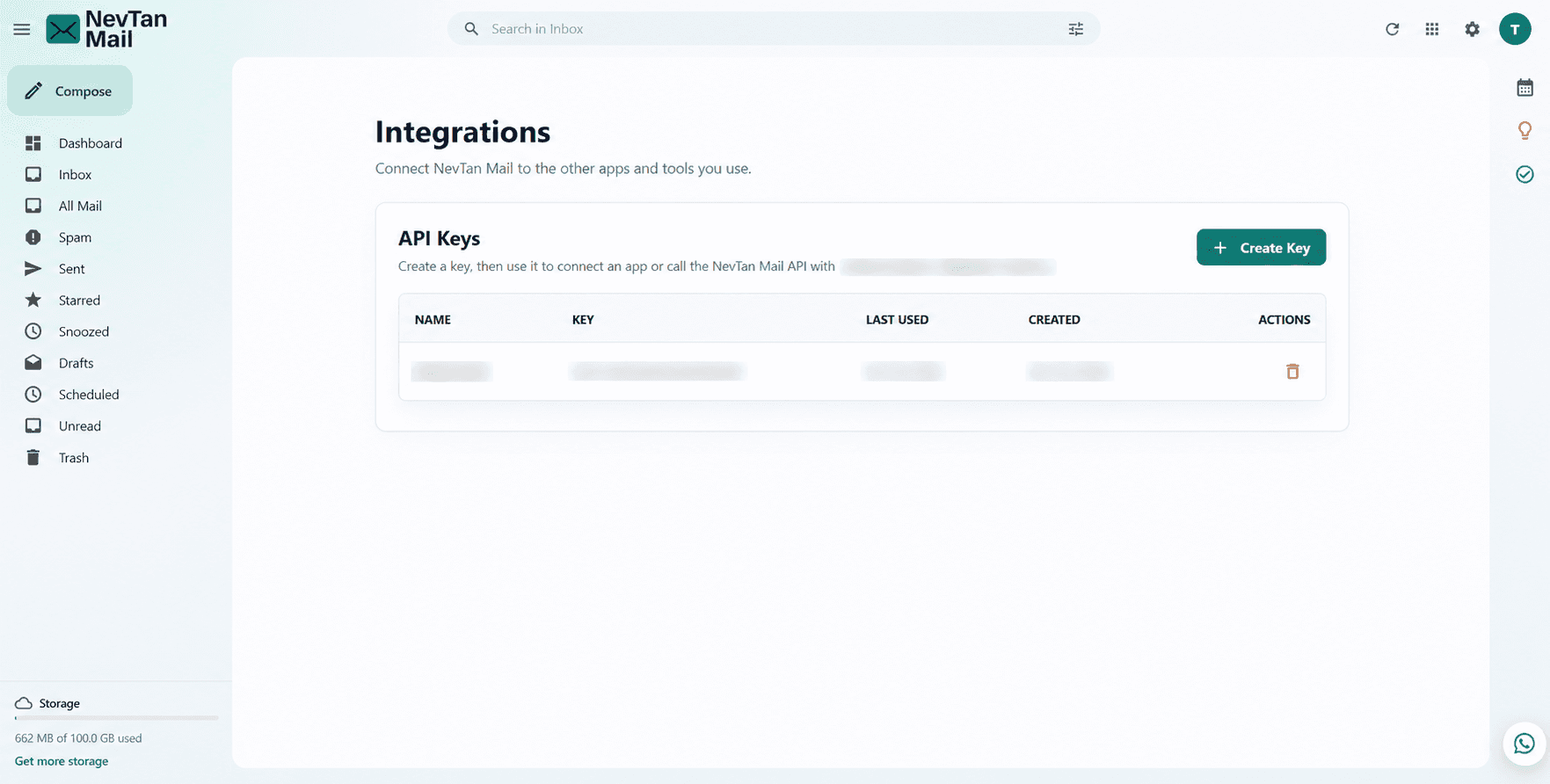
- Open quick settings: Choose the settings icon in the top bar. The Quick settings panel opens on the right.
- Choose Integrations: It sits under the Mail settings heading in that panel, alongside Signatures, Filters and Aliases.
- Or go there directly: The page is at
/settings/integrations, which you can bookmark.
Also available without a mailbox
If your account has no mailbox of its own — a Drive-only account, for example — Integrations is the one settings screen you still see, because API keys apply to the account rather than to a mailbox.
Who can use it
- Anyone who can sign in can create a key. You do not have to be an admin.
- A key carries your own permissions — never more. It can reach exactly what you can reach in the app.
- Admin keys can do more — listing and creating mailboxes needs a key made by an admin.
- Keys are personal. A key made by someone who later leaves stops working when their account does, so create keys under an account that will outlast the integration.
Where to go next
- Create your first key: Start with API keys — every other page assumes you have one.
- Make your first request: The Mail API reference lists every endpoint, with a request you can paste into a terminal.
- Be told when mail arrives: Set up Webhooks so NevTan Mail calls you instead of the other way round.