
Your mailbox & folders
Your mailbox keeps mail organized into standard folders you'll recognize from any email app. Folders are maintained for you — new mail lands in the inbox, suspected junk goes to Spam, and deleted messages move to Trash before they're removed.
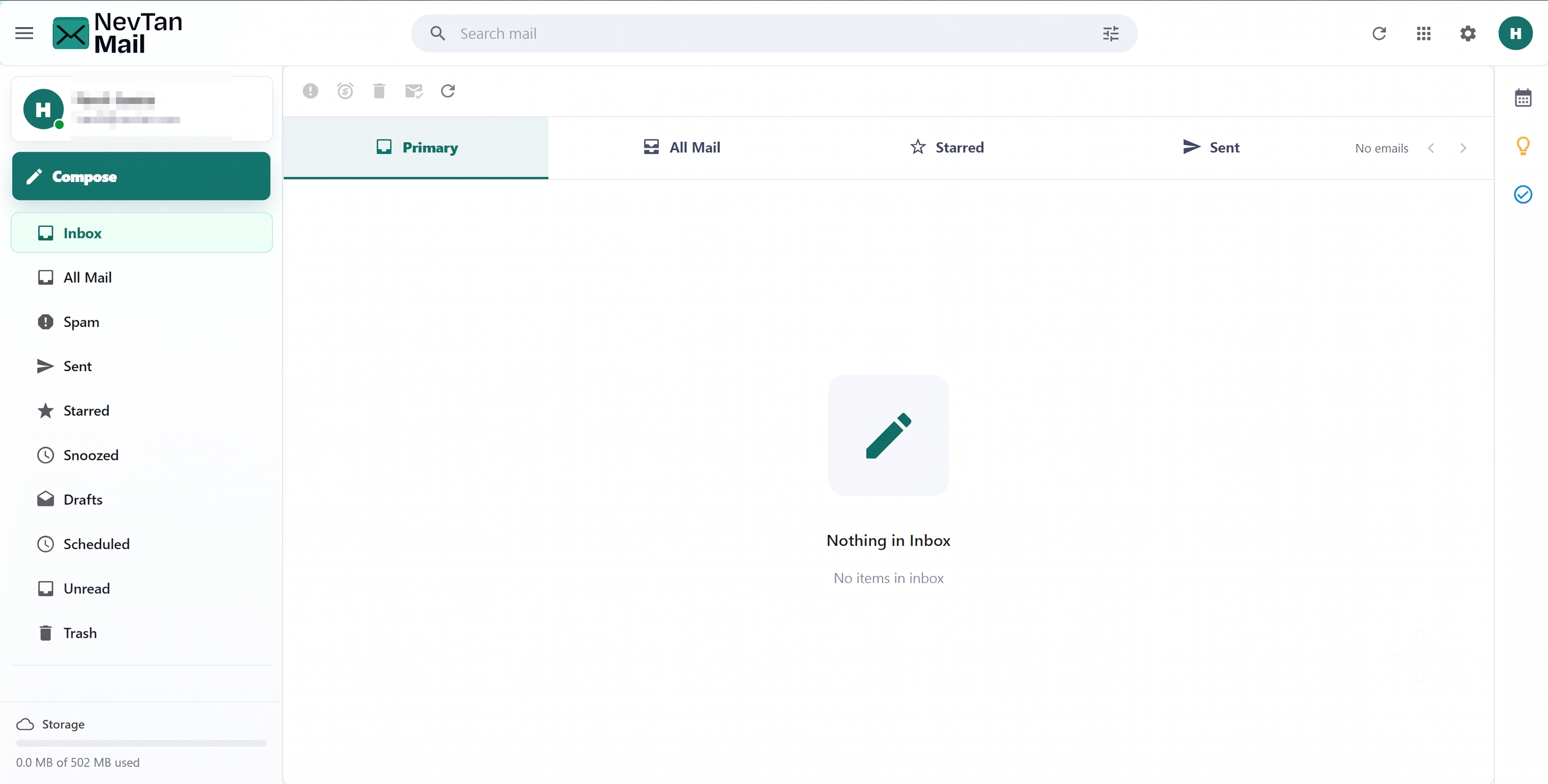
Folders
Open any folder from the left sidebar:
| Folder | What's in it |
|---|---|
| Inbox | Mail you've received. |
| All Mail | Everything across your folders in one list. |
| Unread | Only the messages you haven't read yet. |
| Starred | Messages you've starred for quick access. |
| Snoozed | Messages you've moved out of the inbox to deal with later. |
| Sent | Mail you've sent. |
| Drafts | Messages you started but haven't sent. |
| Scheduled | Messages set to send at a future time. |
| Spam | Messages flagged as junk. |
| Trash | Deleted messages, kept for 30 days before removal. |
Quick views
Above the message list, a row of tabs lets you jump between the most common views — Primary (your inbox), All Mail, Starred, and Sent — without leaving the screen.
Reading a message
Click any message in the list to open it. Conversations are grouped as a thread, with the latest message expanded. Opening a message marks it as read (except in Sent, Drafts, and Scheduled). From the toolbar you can move between messages and act on the one you're reading — see Organizing your inbox.
New-mail notifications
NevTan Mail updates in real time. When new mail arrives you'll see a brief pop-up letting you know how many messages came in, and new rows are marked so they're easy to spot.
Still need a hand?
Our support team usually replies within one business day.
Email us at support@nevtan.com