
Tasks
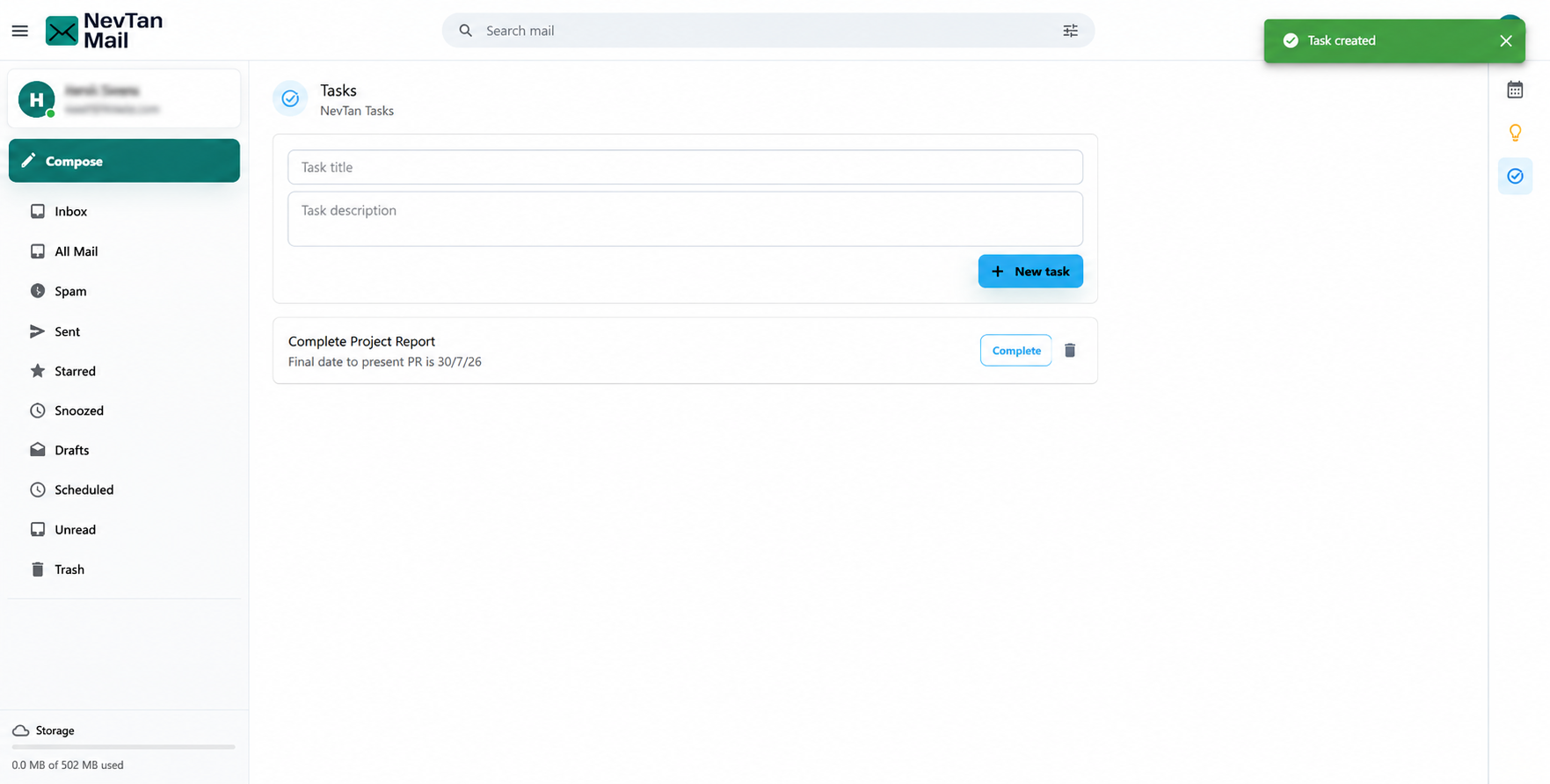
Tasks is a lightweight to-do list that lives next to your mail, so you can jot down what needs doing without switching apps.
Open Tasks
Open the NevTan Apps menu (the grid icon in the header) and choose Tasks.
Using Tasks
- Add a task — give it a title and an optional description.
- Mark it complete — check it off and it shows as done.
- Delete a task — remove it when it's no longer needed.
Keeping it simple
Tasks focuses on the basics — a title, a description, and a done state. It doesn't have due dates, priorities, or sub-tasks.
Still need a hand?
Our support team usually replies within one business day.
Email us at support@nevtan.com