
Signing in & SSO
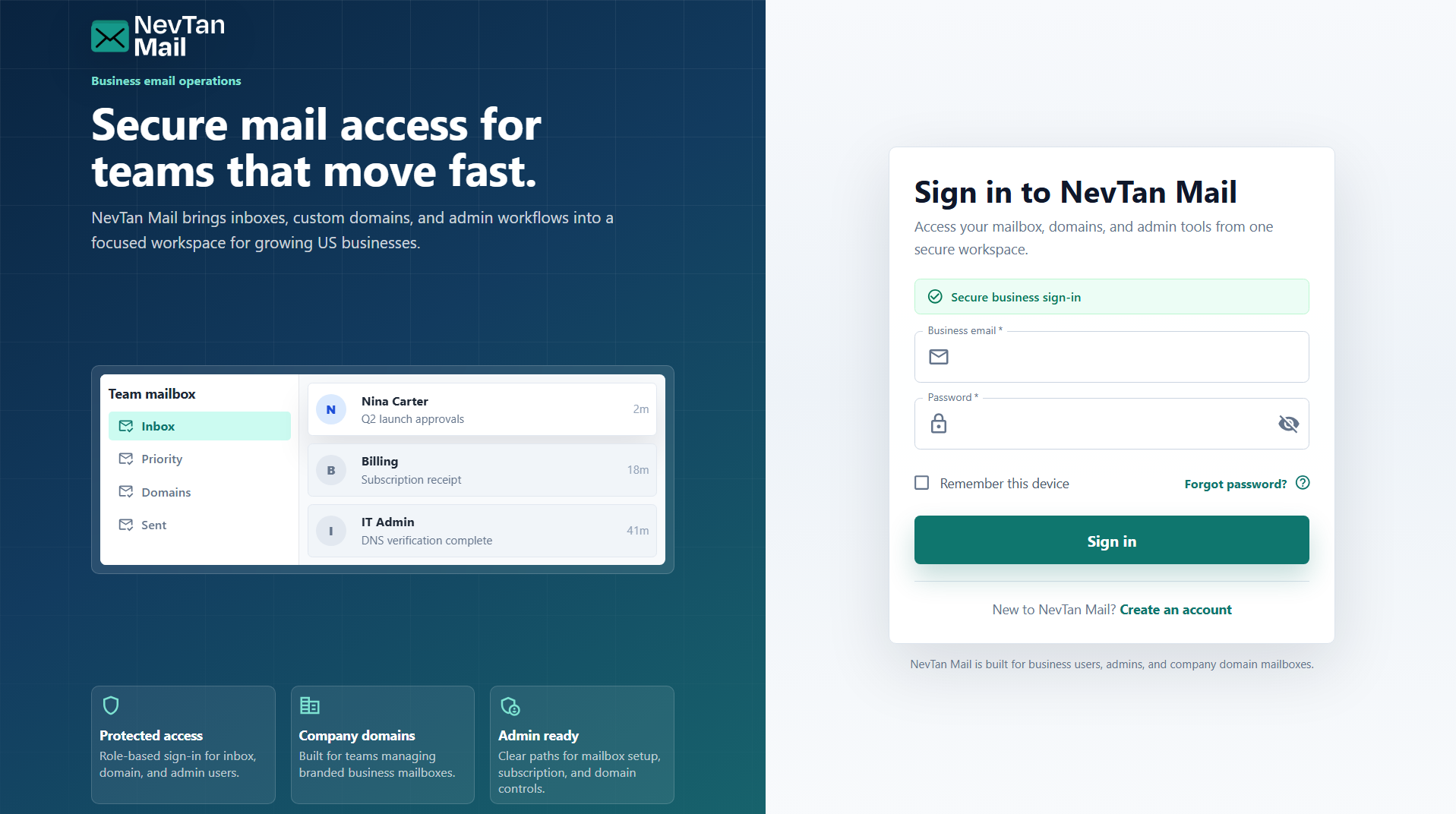
Sign in with the business email and password for your mailbox. If you already use another NevTan product, single sign-on can log you in automatically.
Sign in
On the sign-in page, enter your email address and password and choose Sign in. You'll land in your inbox. Admins are taken to the admin area, and super admins to their domain dashboard.
Single sign-on (SSO)
NevTan Mail shares a sign-in session with the rest of the NevTan suite. If you're already signed in to another NevTan product in the same browser, NevTan Mail can log you in automatically without asking for your password again. This is best-effort — if it doesn't happen, just sign in with the form as usual.
Signing out
Open the account menu at the top-right and choose Sign out. Because sign-in is shared across NevTan products, signing out here ends the shared session everywhere.
Reset a forgotten password
Start a reset
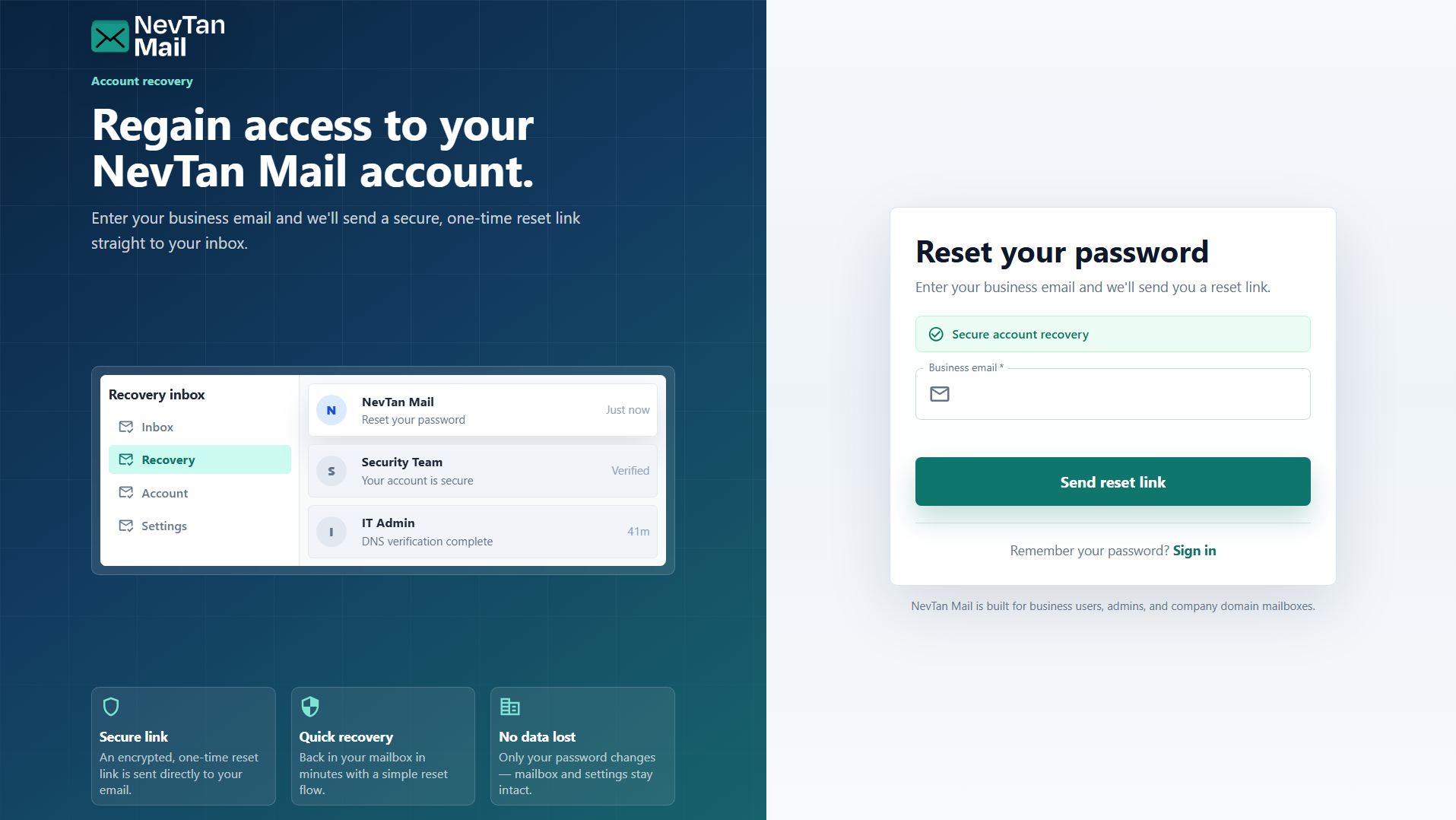
Choose Forgot password? on the sign-in page and enter your email address.
Open the reset link
If your address is eligible, we email you a link to set a new password.
Set a new password
Choose a password that meets the same requirements as everywhere else in NevTan Mail — see Create your account. You can then sign in with it.
Admin-managed mailboxes
If your mailbox was created for you by your organization's admin, self-service reset may be turned off. In that case, ask your domain admin to set a new password for you from Admin → Mailbox.
Still need a hand?
Our support team usually replies within one business day.
Email us at support@nevtan.com