
NevTan Mail Help
Getting started
Introduction
Send feedbackNevTan Mail is a business email workspace built around a domain you control. Mailboxes, calendar, meetings and the everyday productivity tools sit in one application, and the domain, the people on it and the subscription are all managed from the same place.
What is NevTan Mail?
- Email on your own domain — everyone in your organization gets an address like
you@yourcompany.comrather than one from a generic provider. - The work around the inbox — a calendar for scheduling meetings and lightweight tools for tasks and notes, so it does not have to live in a separate product.
- Administration in the same app — add and verify the company domain, create mailboxes as people join, decide who else can administer, and manage the subscription and storage. There is no separate console to learn.
- One account across the suite — NevTan Mail is part of the wider NevTan suite, so a single sign-in also opens Drive, Sign, Cloud and Engage.
Who it's for
NevTan Mail is built for teams and businesses that want mail on their own domain rather than a generic address. Every account belongs to a company domain, so where you start depends on who you are:
- First person from your organization — you create the workspace and add the domain yourself.
- Joining a team already set up — a colleague creates your mailbox and you simply sign in.
The main pieces
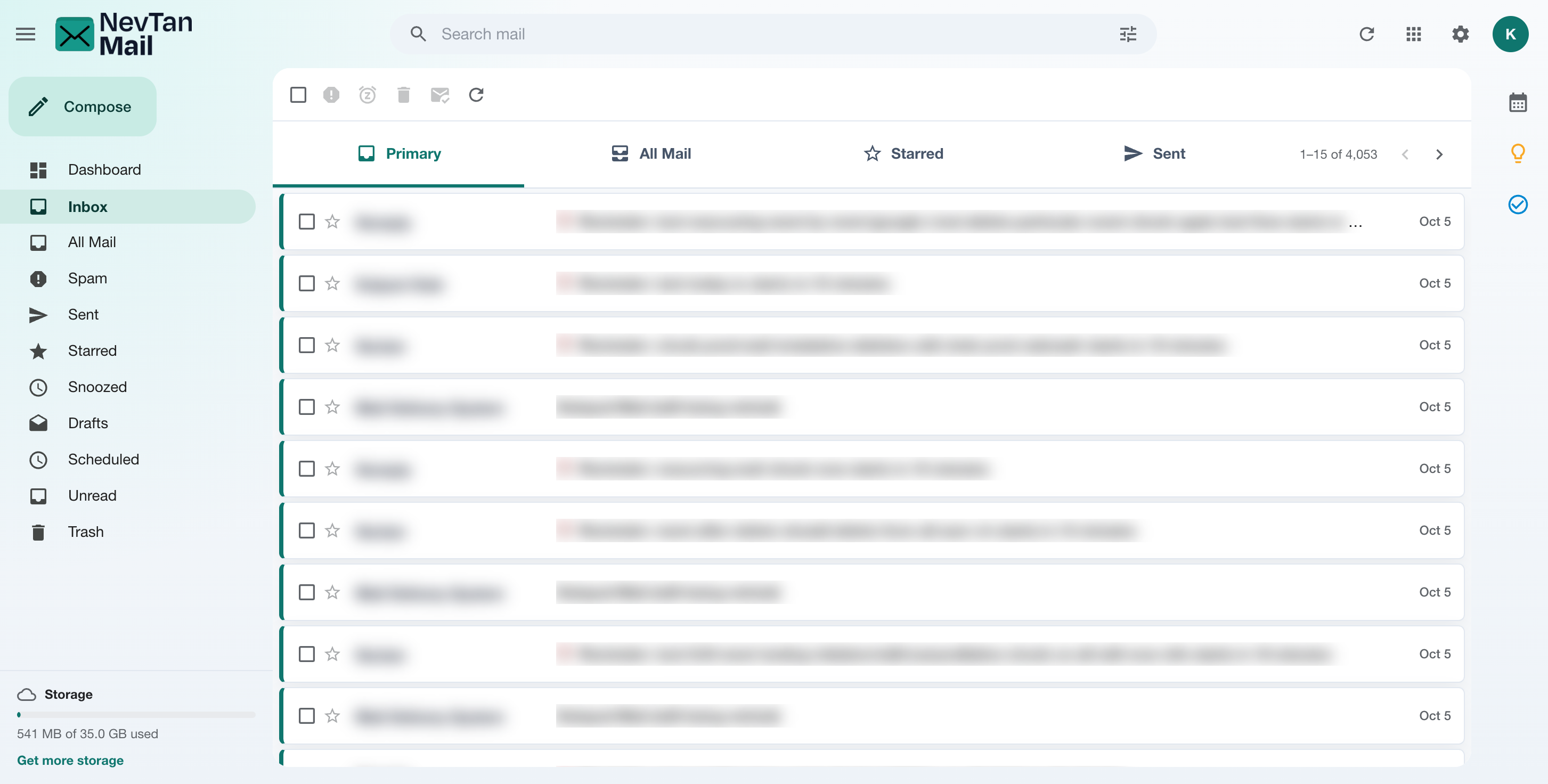
- Mailbox — a full inbox with Sent, Drafts, Starred, Snoozed, Scheduled, Spam, Trash, All Mail, and Unread, plus rich compose, AI writing assist, search, and scheduling. AI writing assist depends on your plan; if it isn't included you'll see a notice, and your admin can upgrade.
- Mail settings — signatures and filters that sort incoming mail for you.
- Calendar & meetings — create meetings, invite guests, add a video link, and optionally sync with your own Google Calendar.
- Productivity — Tasks and Keep notes to stay organized alongside your inbox.
- Administration — add and verify your domain, create mailboxes, manage roles, and handle billing.
Accounts and roles
There are three kinds of account, and which one you have decides what you can reach:
| Account | What it covers | How you get it |
|---|---|---|
| User | A mailbox, the calendar, and the productivity tools. Most people in an organization. | An admin creates the mailbox for you. |
| Admin | Everything a user has, plus the domain, the mailboxes on it, who else can administer, and the subscription. | Whoever signs the company up becomes an admin automatically, and can promote colleagues later. |
| Super admin | NevTan platform operations, across customers. | Not a role customers assign. |
See Admin overview & roles for what each one can do.
Where to go next
- Joining an existing team?: If your admin already created your mailbox, head straight to Signing in.
- Setting up email for your company?: Follow the Set up your team quickstart to add your domain and create mailboxes.
- Want a tour of the inbox?: See Your mailbox & folders.